
Turn a map into a report you can send
Draw the job on satellite imagery, and Satellite Area builds the rest: measurements, maps, terrain, a priced materials estimate and a written summary, under your own logo. Send it as a link or a PDF.
Reports need a free account. Everything you build is saved there, private until you share it. or .
How to build a report
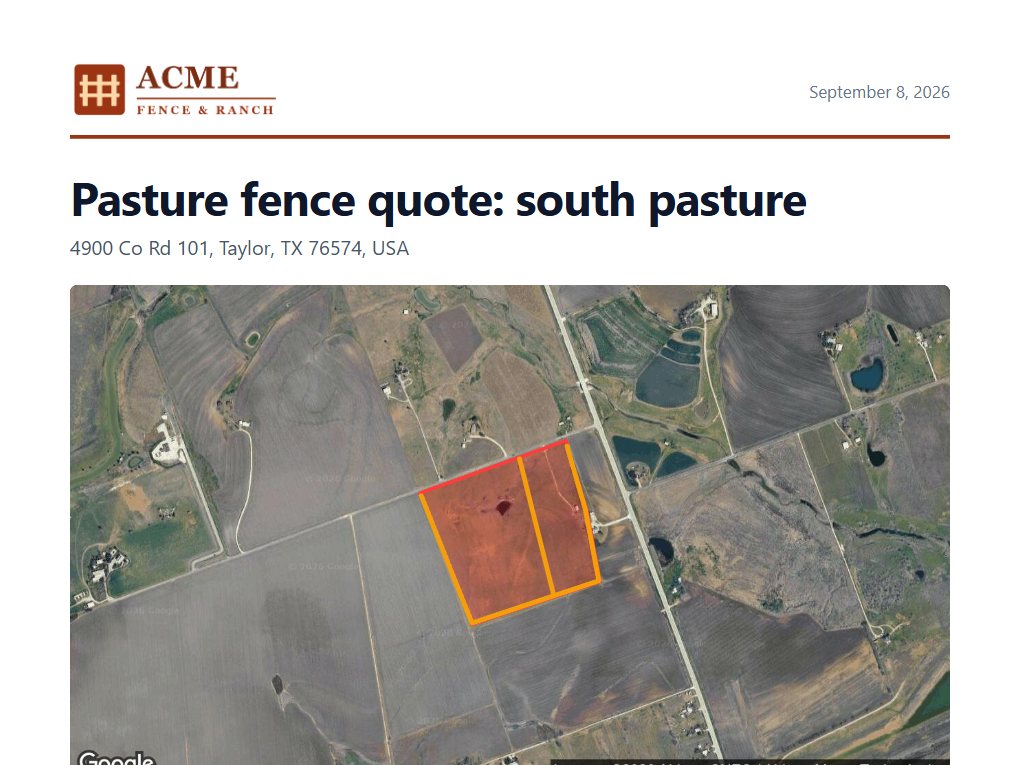
Draw the job and save the map
Search the address, then trace what you are quoting: fields and lawns as areas, fence runs as lines, a roof outline, a lot. Click a shape's name in the side panel to rename it, like Front lawn or Back fence; the report uses your names. Sign in and choose Save.
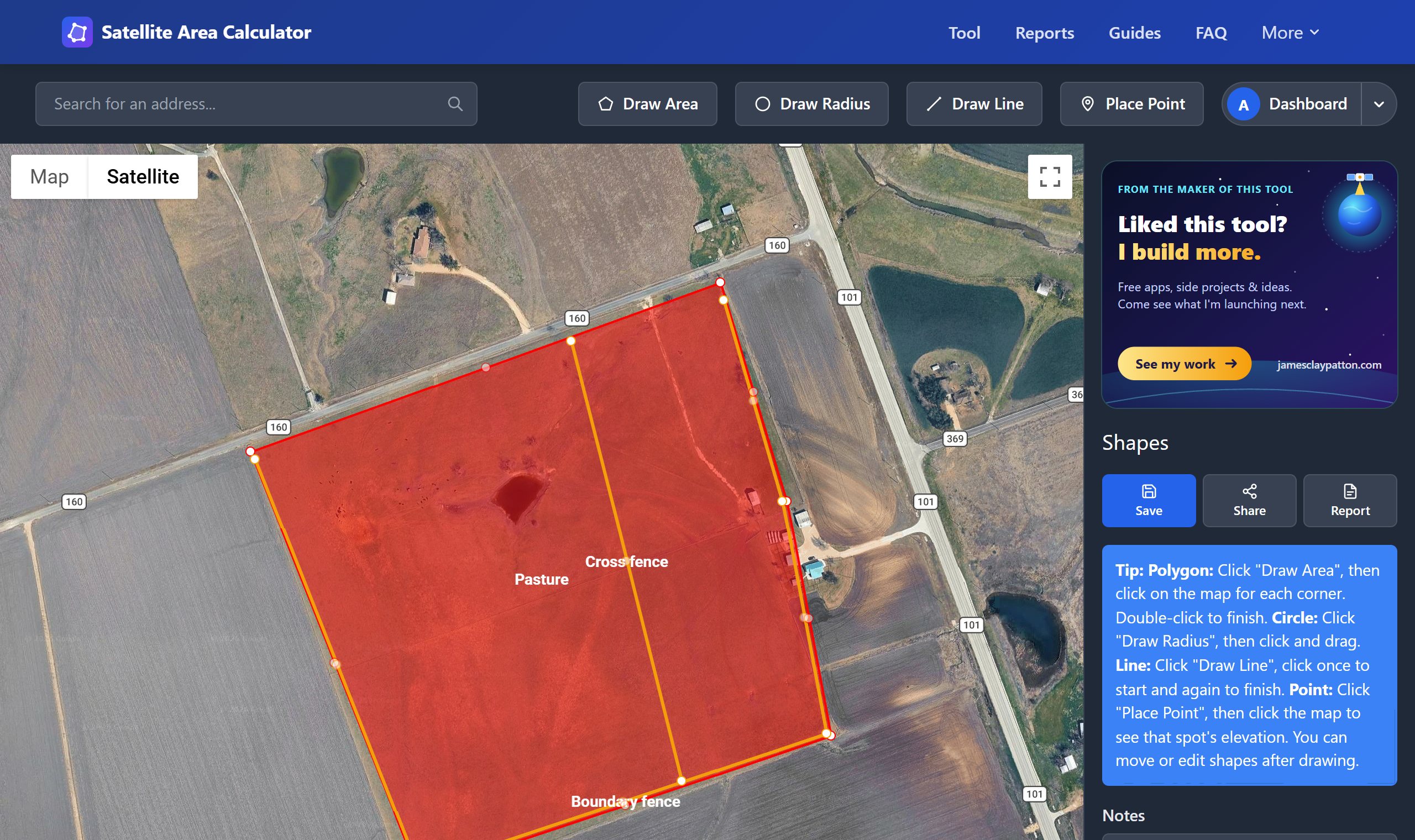
Choose Build report
Use the Report button next to the map, or Build report on the map's card in your dashboard. Three short steps: say what the job is and who it is for, and pick a template; add your prices, labor and tax, and save them for next time; then add anything the summary should mention, your own sections and a quote number.
Tip: your first report asks for your logo and contact details. Change them, your colors and usual prices any time in Dashboard → Profile and branding. Every report picks them up.
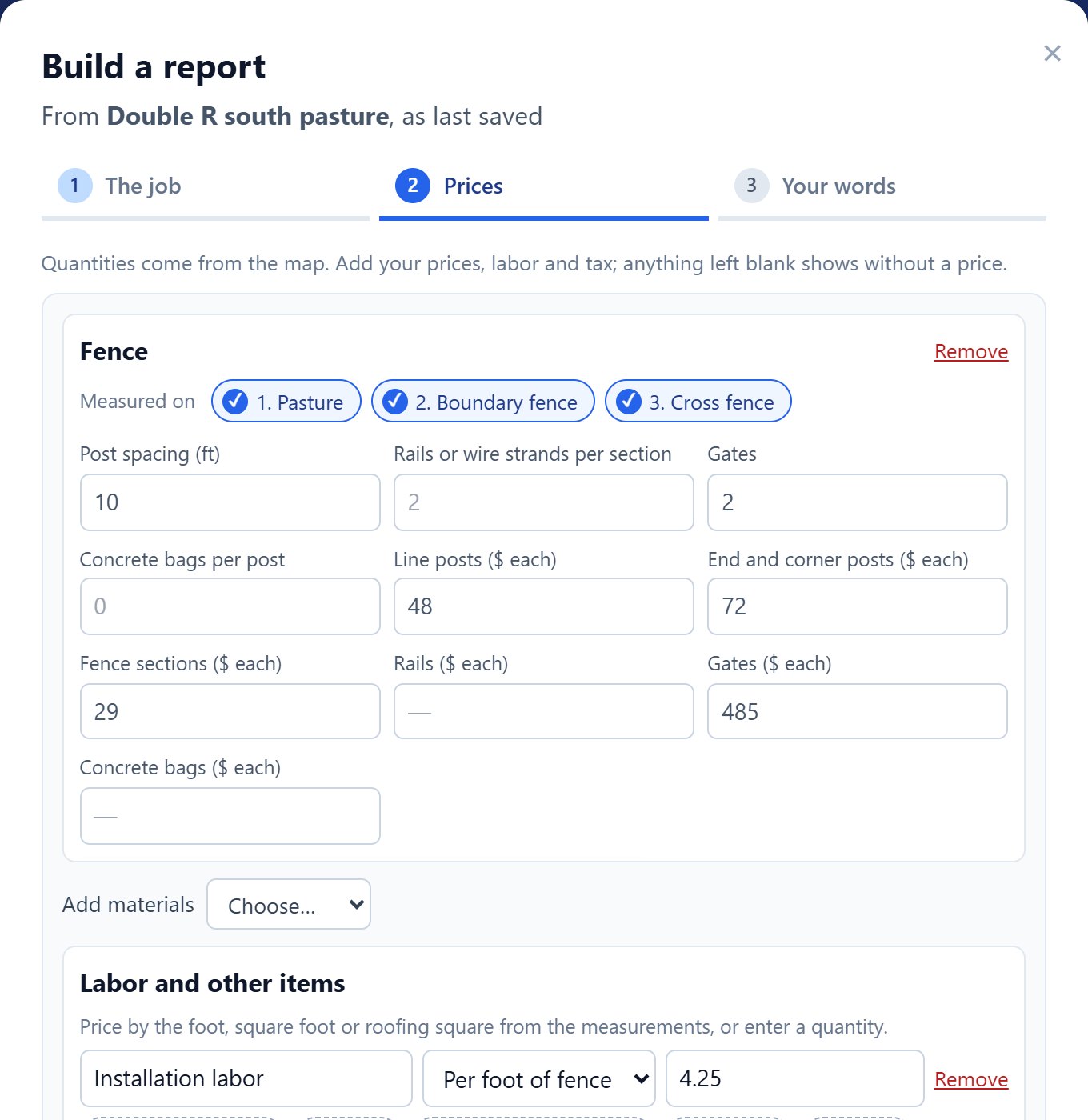
Look it over and make it yours
The report arrives in about 20 seconds with measurements, maps, terrain, a priced estimate and a written summary. Choose Edit to change any text, rewrite a section with AI, reorder or hide sections, add photos, or switch between US and metric units.
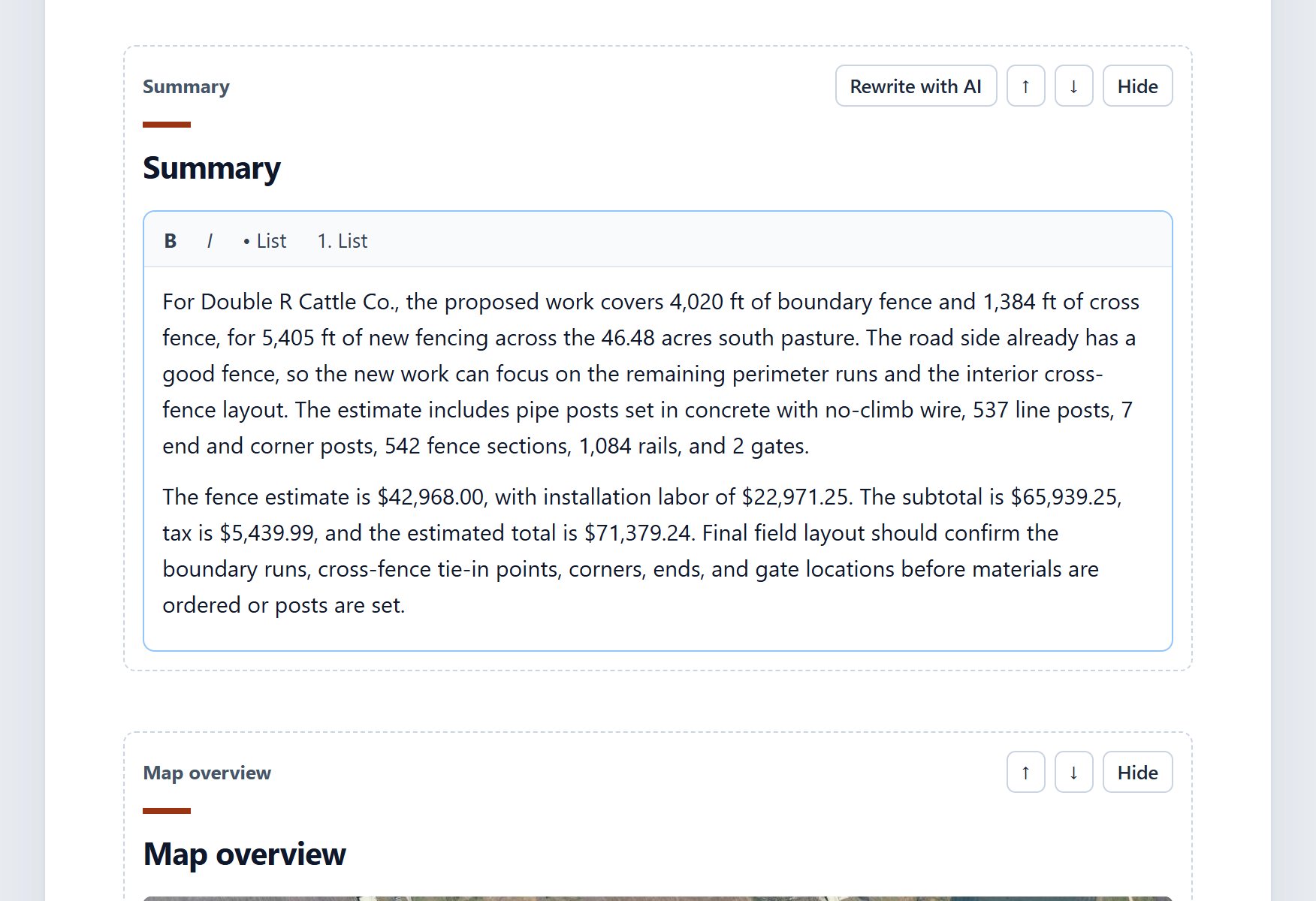
Send it
Share a link that opens without an account, email it, or download a PDF with your logo. You can see how many times it has been opened, and refresh the numbers if you change the map later.

What goes in a report
Pick the sections you want. Each one can be hidden, moved or edited later.
- Cover
- Your logo, the client, the address, a map of the site and the key figures, including the priced total.
- Summary
- A plain-language write-up of what was measured and what it means for the job. It only uses numbers from your measurements.
- Map overview and close-ups
- The whole site with numbered shapes, then each shape on its own.
- Measurements
- Area, perimeter and length for every shape, with totals.
- Terrain
- Elevation range, average slope, steepest part and which way the ground drains.
- Roof and solar
- Roof surface area, each roof plane's size, pitch and direction, and solar capacity from Google's Solar data.
- Materials and cost
- Sod, seed, topsoil, mulch, concrete, sealcoat, fence and roofing quantities, measured on the shapes you choose and priced with your numbers.
- Labor, other items and tax
- Labor by the foot, square foot or roofing square, plus delivery, gates, tear-off, permits or anything else, with tax on the total.
- Your own sections
- Scope of work, payment terms, warranty, schedule, about us: anything you write.
- Site photos
- Up to 10 photos with captions.
- Notes and disclaimer
- The map's notes, and a clear statement that satellite measurements are estimates.
Start from a template
Each template picks the sections, materials and tone for a kind of job. Save your own from any report.
- Custom reportYour own title, what it is about, and the sections you choose.
- Property overviewLot size, features and terrain for a homeowner or buyer.
- Fence quoteFence length, posts and sections, with your prices.
- Lawn and sod estimateLawn area with sod, seed and topsoil quantities.
- Mulch and bedsBed areas and mulch volume at your depth.
- Roof and solar estimateRoof area, segments and shingle quantities.
- Concrete and pavingSlab or driveway area and concrete volume.
- Farm field recordAcreage per field, terrain and notes for the season.
- Lender or appraisal summaryLot size, terrain and a clear disclaimer for a lender or buyer.
- Site plan for a permitShapes, distances and notes for a county or permit office.
Example reports
Real output of the report builder, for made-up businesses at real places.
 Landscaping
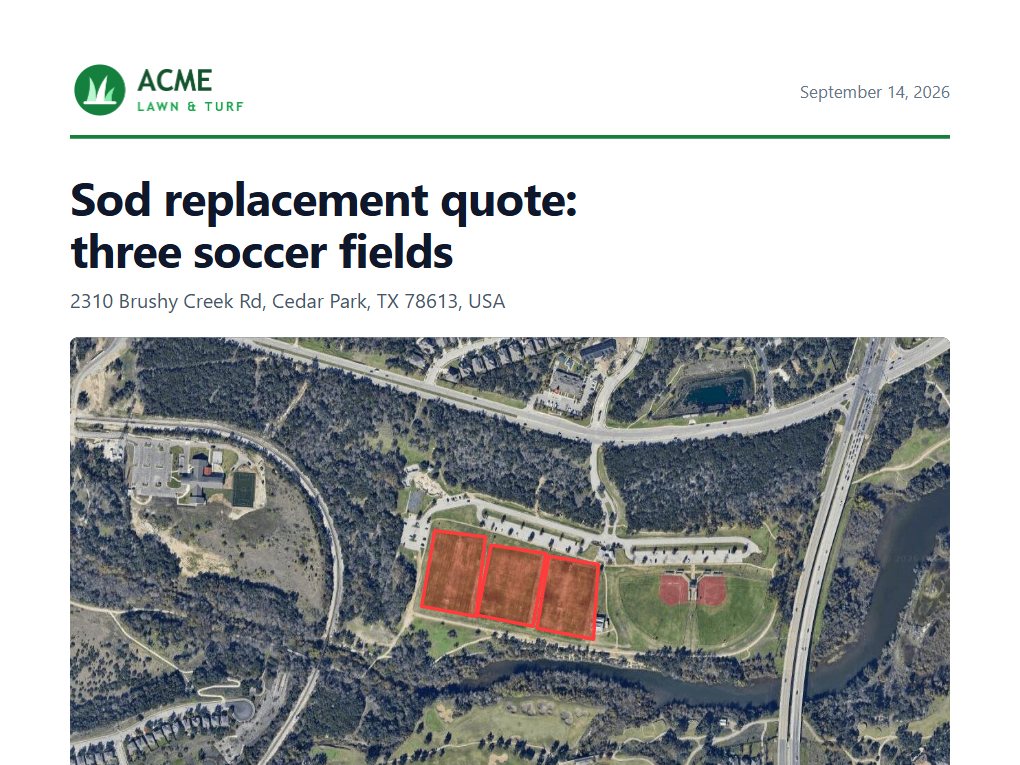
Sod replacement quote for three soccer fields
Three game fields measured one by one, with sod pallets, topsoil, labor, delivery and tax in a priced total.
- measured
- 6.78 acres
- estimate
- $297,752
 Fencing
Pasture fence quote for a 46-acre pasture
A boundary fence and a cross fence drawn as lines, turned into line and corner posts, sections, gates, concrete and labor.
- of fence
- 1.02 mi
- estimate
- $121,982
 Roofing
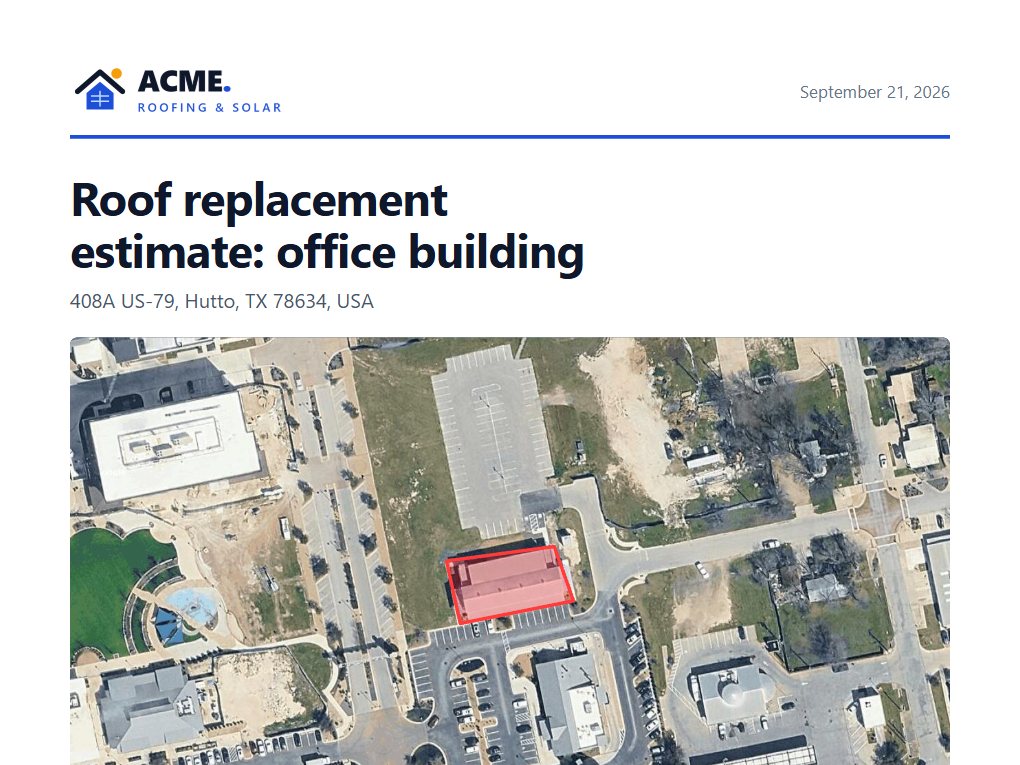
Roof replacement estimate for an office building
Google roof data plane by plane with pitch and direction, solar capacity, and a priced re-roof with tear-off and labor.
- of roof
- 9,792 sq ft
- estimate
- $53,745
 Concrete
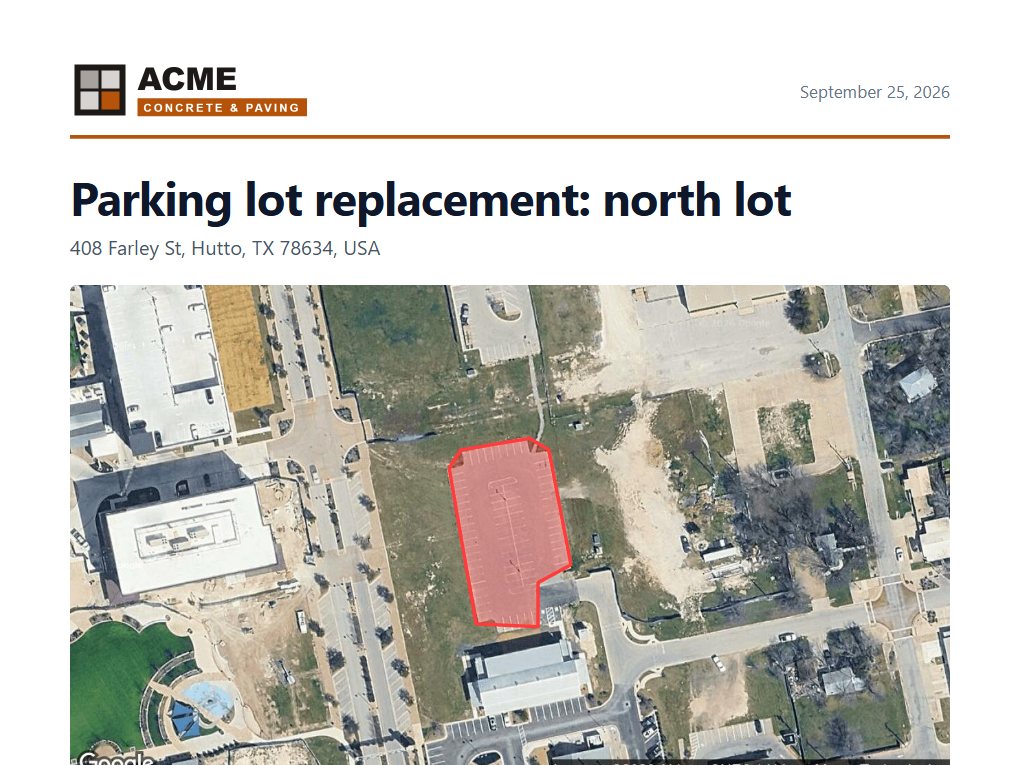
Parking lot replacement quote
A 25,000 sq ft lot with concrete volume at 5 inches, demolition, finishing labor, restriping and tax.
- measured
- 25,076 sq ft
- estimate
- $217,803
Questions
- Do I need an account?
- Yes. Reports are saved to your account, so you can find, edit and resend them later from your dashboard and see when they are opened. Signing up is free and takes a minute: an email and password, or Google.
- Does it cost anything?
- No. Building reports is free with an account, up to 10 reports a day.
- Does my client need an account?
- No. Share the report with "Anyone with the link" and they can open it and download the PDF. Reports are private until you share them.
- Can I change what the AI wrote?
- Yes. Every section can be edited by hand, and the summary and recommendations can be rewritten with an instruction, like "make it shorter" or "mention the gate".
- Where do the prices come from?
- From you. Set your usual material prices, labor rates and tax once in Dashboard → Profile and branding, or type them when you build a report. Quantities round up for ordering.
- How accurate are the measurements?
- Close enough to quote from on current imagery, usually within a few percent. They are not a survey, and every report says so.
Build your first report
Create a free account, draw the job, save the map, choose Build report. It takes a few minutes.